
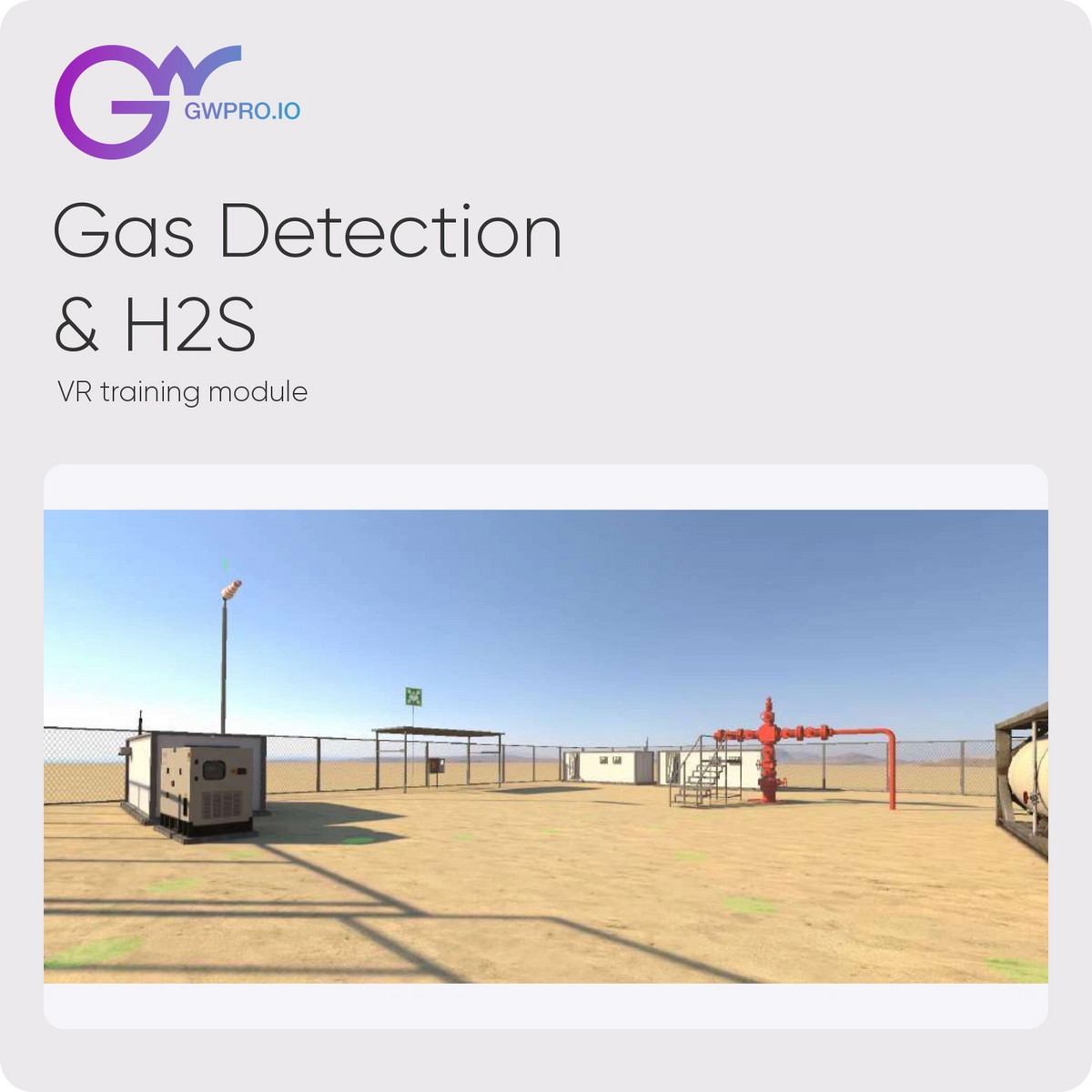
GWPRO Gas Detection & H2S VR Training
By GWPRO
Rehearse gas monitor checks, H2S hazard recognition, wind awareness, alarm response and evacuation in an oil and gas wellsite simulation.
Compatible with Standalone VR · PC VR · Web / Browser
Request enterprise or education pricing
Licensing: Request a quote
Add-ons

GWPRO Ready-to-Deploy Headset Training Kit
Scope supported headsets, GWPRO software licenses, device...

GWPRO LMS Integration & Deployment Services
Plan GWPRO reporting, SCORM/xAPI integration, deployment,...
- Request pricing for enterprise and education.
- License scope and compatible build confirmed before activation.
- Software only; hardware and services itemized separately.
Product details
Overview
Rehearse gas monitor checks, H2S hazard recognition, wind awareness, alarm response and evacuation in an oil and gas wellsite simulation.
What learners practice
- Review wellsite warning signs, condition flags, work permits and appropriate PPE.
- Inspect a personal gas monitor and rehearse its bump-test workflow.
- Identify wind direction and muster points, respond to low and high alarms, and review evacuation and trained-rescue-team awareness.
Training format
Learning 9 min · Training 9 min · Exam 7 min. Approximate catalogue durations vary by learner and deployment. Learning, Training and Exam modes support guided practice and assessment.
GWPRO supports online and offline training, multiplayer and cross-platform delivery across 6DoF VR headsets, PC and WebGL. Confirm the selected module build, device, language, multiplayer workflow and browser entitlement in your quote.
Licensing and deployment
Request enterprise or education pricing for this module. License term, device or learner count, standalone availability, activation and renewal terms are confirmed in your written quote. Hardware, accessories, WebGL access, LMS integration and services are included only when itemized.
Simulation supports instruction and practice; it does not by itself establish professional certification or authorization for field work.
Features
- Review site hazards—Review wellsite warning signs, condition flags, work permits and appropriate PPE.
- Check the gas monitor—Inspect a personal gas monitor and rehearse its bump-test workflow.
- Respond to alarms—Identify wind direction and muster points, respond to low and high alarms, and review evacuation and trained-rescue-team awareness.
Technical Specifications
Everything you need to know about tracking, performance, connectivity, and deployment hardware.
Training
- Module
- Gas Detection & H2S
- Training modes
- Learning, Training and Exam
- Approximate duration
- Learning 9 min · Training 9 min · Exam 7 min
- Audience
- Oil and gas operators, site safety teams and industrial training programs.
Deployment & licensing
- Platforms
- 6DoF VR, PC and WebGL; confirm module build and entitlement
- Connectivity
- Online and offline; connected features may require internet
- Training format
- Single-player and multiplayer; confirm deployment workflow
- Pricing
- Request enterprise or education pricing
- License scope
- Term, quantity, device/learner metric and renewal confirmed in quote
- Hardware
- Not included unless itemized in your quote
Why Teams Choose Gas Detection & H2S
Build confidence through guided practice and repeatable assessment.

Repeatable procedural practice
Move from guided instruction to independent practice and exam assessment.
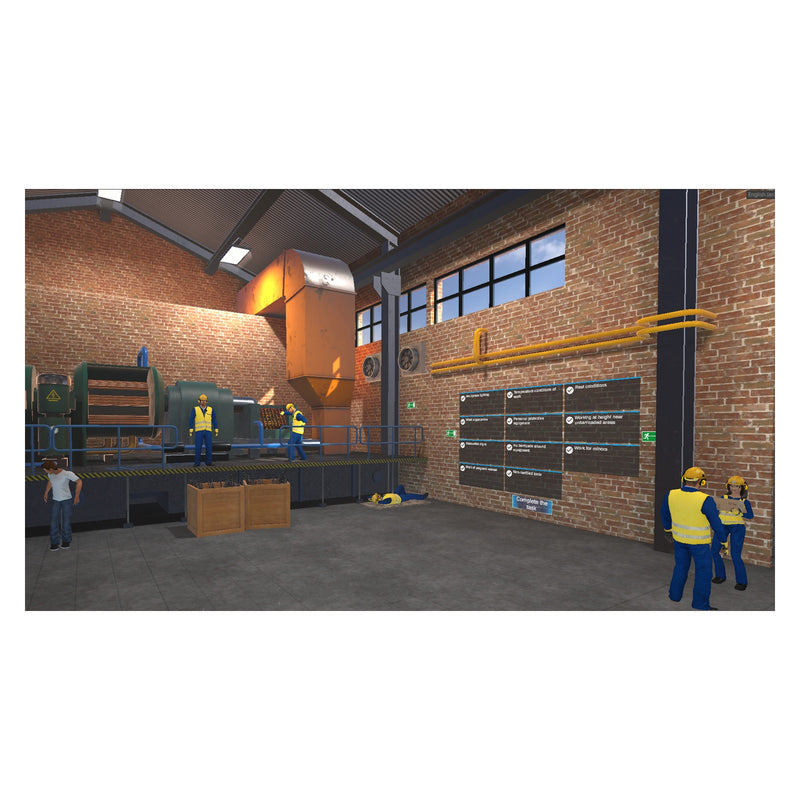
Plan a supported rollout
Match devices, software access, reporting, and onboarding to your training program.
🛠
Deployment Expertise
Product specialists on staff
⚙
Device Configuration
Provisioned & ready to use
🎧
Enterprise Support
Hardware, software & deployment help
🌐
Global Fulfillment
Shipped worldwide
Need More Than Hardware?
Knoxlabs also handles the deployment.
Device setup
Integration planning
Asset tagging
Shipping coordination
Training and onboarding
Deployment consulting
FAQ
What does this module cover?
Rehearse gas monitor checks, H2S hazard recognition, wind awareness, alarm response and evacuation in an oil and gas wellsite simulation.
How long does the training take?
Learning 9 min · Training 9 min · Exam 7 min. Approximate times vary by learner and configuration.
How do I purchase this module?
Request enterprise or education pricing. Standalone availability, license term, device or learner count, activation and renewal terms will be confirmed in your written quote. Hardware, WebGL access, services and accessories are included only when itemized.
Does it work offline and in a browser?
GWPRO supports online and offline deployment, multiplayer, 6DoF VR headsets, PC and browser-based WebGL. Confirm this module's device build, language and multiplayer workflow before deployment. WebGL requires the appropriate browser entitlement; it is not automatically included with a VR quote.
Is a headset included?
This listing is for software. Headsets, controller accessories, onboarding and LMS services are quoted separately unless expressly included.
Does completing the simulation provide professional certification?
The simulation supports instruction and practice. Certification, accreditation and authorization for field work are not included unless explicitly documented by the provider.
