

Robotic Work Cell: What’s Included and What to Define Before You Buy
What’s in a robotic work cell, the layout decisions behind robot cell design, who integrates it, and what a robot cell quote should cover before you buy.

Virtual reality (VR) technology has come a long way, offering immersive experiences for gaming, education, and professional applications. When choosing a VR headset, it's essential to understand the differences between PCVR (Tethered), Standalone, and Mobile VR headsets, as well as the platforms and specifications associated with each type. This buying guide will help you make an informed decision based on your needs and preferences.
PCVR, or tethered VR headsets, require a connection to a powerful gaming PC to deliver high-quality, immersive experiences. These headsets typically offer higher resolution displays, more accurate tracking, and a wider range of compatible games and applications compared to their standalone counterparts. However, they also require a powerful gaming PC to function, which can be an additional expense. Platforms for PCVR headsets include SteamVR, Oculus Store, Viveport, and Windows Mixed Reality.
Standalone VR headsets do not require a connection to a PC or mobile device, offering a convenient, wireless experience. These headsets are typically more user-friendly and portable than PCVR headsets, but they may have limitations in terms of performance and content library. Standalone headsets are suitable for users who value portability and ease of use over the highest possible performance. Platforms for Standalone VR headsets include Meta Quest Store, VIVEPORT, and Pico Store.
Mobile VR headsets use smartphones as their display and processing unit. They are a more affordable and accessible option for users who want to experience virtual reality without investing in expensive hardware. Mobile VR headsets are typically more affordable and accessible than PCVR and Standalone headsets, but they often have limitations in terms of performance, tracking accuracy, and content library. Platforms for Mobile VR headsets include the Google Play Store and Apple App Store.
The display resolution of a VR headset determines the clarity and sharpness of the visuals. Higher resolution headsets offer a more immersive and realistic experience, reducing the screen door effect often associated with lower resolution displays. For instance, the Valve Index offers a resolution of 1440x1600 pixels per eye, while the Pimax Vision 8K X DMAS boasts an ultra-high resolution of 3840x2160 pixels per eye.
The refresh rate is the number of times per second the headset's display updates its image. A higher refresh rate provides smoother motion and reduces motion sickness. Most VR headsets have a refresh rate of 90Hz or higher, with some high-end models like the Valve Index offering up to 144Hz.
The field of view (FOV) refers to the extent of the observable world visible through the headset. A wider FOV provides a more immersive experience, but it may also require more powerful hardware to maintain high-quality visuals. For example, the Pimax Vision 8K X DMAS has a wide 200-degree field of view, while the HP Reverb G2 offers a 114-degree field of view.
The tracking system used by a VR headset determines how accurately the headset and controllers' positions are detected in the virtual environment. There are two main types of tracking systems: inside-out tracking, which relies on cameras built into the headset, and outside-in tracking, which uses external sensors. The HP Reverb G2 uses inside-out tracking, while the HTC Vive Pro 2 and Valve Index employ the SteamVR Tracking system, an outside-in tracking solution.
Standalone VR headsets have built-in processors, RAM, and storage. These components determine the headset's performance capabilities and the smoothness of the VR experience. The Meta Quest 2, for example, is powered by the Qualcomm Snapdragon XR2 processor, 6GB RAM, and comes in two storage options: 128GB and 256GB.
Mobile VR headsets require a compatible smartphone to function. Ensure that your smartphone is compatible with the chosen headset and meets the minimum requirements for the desired VR experience. For example, the Samsung Gear VR is compatible exclusively with select Samsung smartphones, while the FreeFly mobile VR headset supports a wide range of smartphones.
PCVR headsets require a powerful gaming PC to operate. Check the minimum and recommended system requirements for the headset you choose, as underpowered systems may not provide the optimal VR experience. For instance, the Valve Index requires a minimum of an NVIDIA GTX 970 or AMD RX 480 GPU, while the HTC Vive Pro 2 recommends at least an NVIDIA GeForce RTX 2070 or AMD Radeon RX 5700 for optimal performance.
By considering these key specifications and understanding the differences between PCVR, Standalone, and Mobile VR headsets, you'll be able to make an informed decision based on your needs and preferences. Don't forget to take into account any additional accessories or hardware requirements when choosing the perfect VR headset for you.
SteamVR is the most popular and widely used platform for PCVR headsets, such as the Valve Index and HTC Vive Pro 2. It offers a vast library of games and applications, including popular titles like Half-Life: Alyx, Beat Saber, and Boneworks. SteamVR supports a diverse range of headsets, making it an excellent choice for users looking for a wide variety of content.
The Meta Quest Store is the primary platform for Meta's standalone VR headsets, such as the Meta Quest 2 and the upcoming Meta Quest Pro. It offers a growing library of exclusive games and applications, including hits like Population: One, The Walking Dead: Saints & Sinners, and Moss. The Meta Quest Store is perfect for those seeking a portable and user-friendly VR experience with a diverse content library.
Viveport is HTC's VR content platform, catering to both PCVR and standalone headsets like the HTC Vive Pro 2 and VIVE Focus 3. Viveport offers a mix of games, applications, and experiences, including popular titles like Arizona Sunshine, Tilt Brush, and Everest VR. It's an excellent option for users looking for a mix of gaming and non-gaming content.
Windows Mixed Reality is a platform for compatible PCVR headsets, such as the HP Reverb G2. It offers a variety of games and applications, including some exclusive titles like Halo: Recruit and Space Pirate Trainer. The platform is ideal for users who want to combine VR gaming with productivity and creativity applications.
The Pico Store is the content platform for Pico devices, such as the Pico 4 standalone headset. It offers a range of applications and content suitable for both consumer and enterprise users. The Pico Store is an excellent choice for users looking for a standalone headset that caters to both gaming and professional applications.
The Google Play Store is the primary source of mobile VR content for Android smartphones. It offers a range of VR apps and games compatible with mobile VR headsets like Google Cardboard and FreeFly. Some popular titles include VR Roller Coaster, InMind VR, and Within. The Google Play Store is perfect for users looking for a more accessible and affordable VR experience.
The Apple App Store provides mobile VR content for iOS devices, compatible with mobile VR headsets like Google Cardboard. Although the selection of VR content for iOS devices is more limited compared to Android, there are still some great apps and games available, such as End Space, Fractal Combat X, and Sisters: A Virtual Reality Ghost Story. The Apple App Store is a suitable option for iPhone users seeking a taste of VR without a significant investment.
By exploring these various platforms, you can find a wealth of content tailored to your specific VR headset and preferences. Remember to consider platform-exclusive games and applications when choosing a VR headset, as they can significantly enhance your overall experience.
By considering your budget, performance requirements, and intended use, you can select the ideal VR headset from this list of top options. Remember to compare specifications and compatibility with your existing hardware and desired content platforms to ensure the best possible VR experience for your needs.
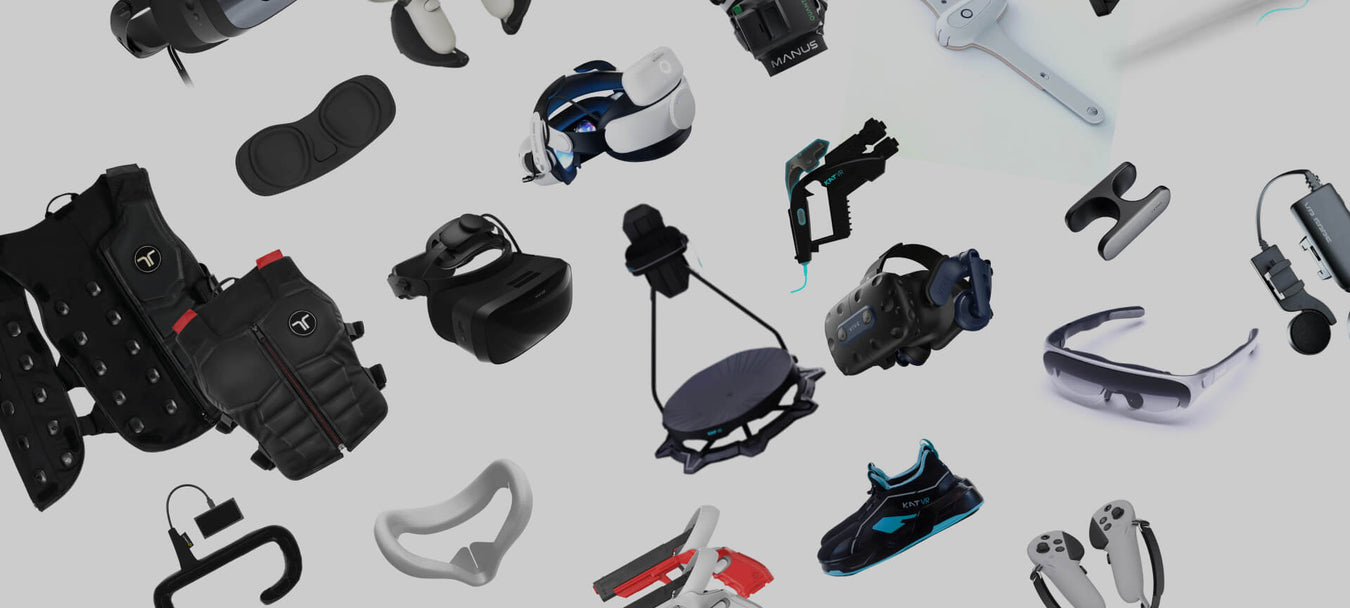
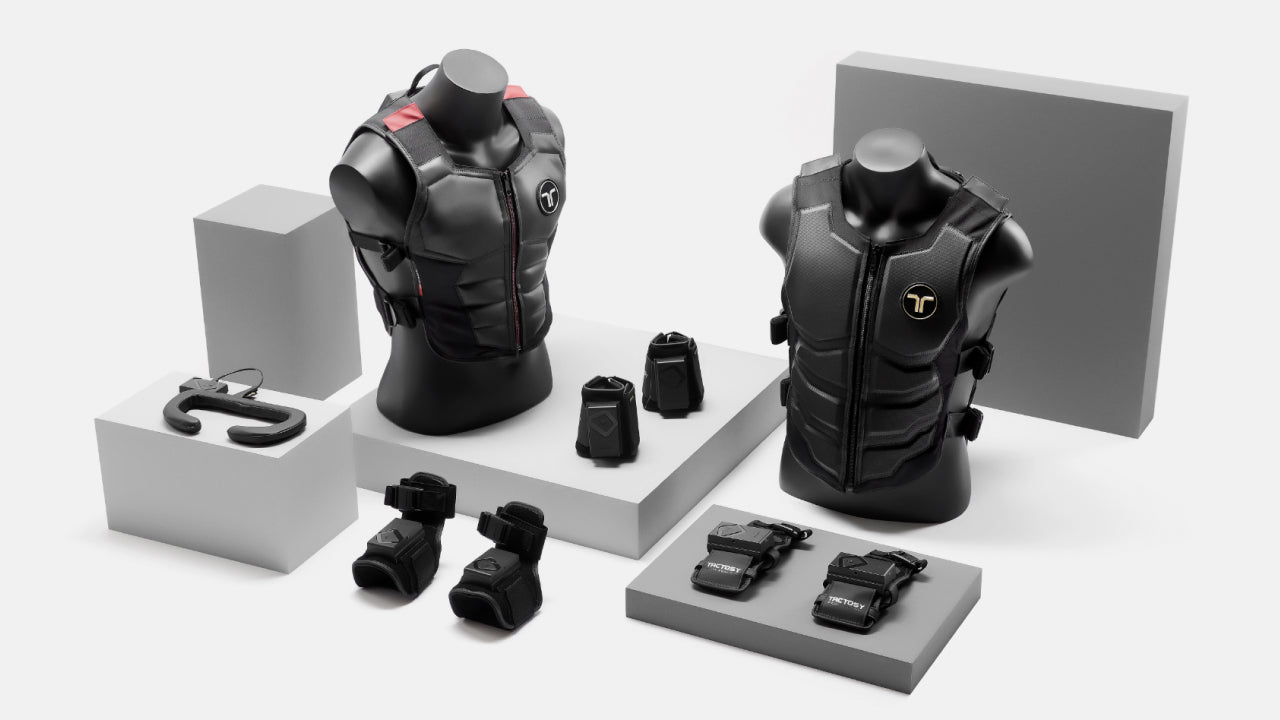
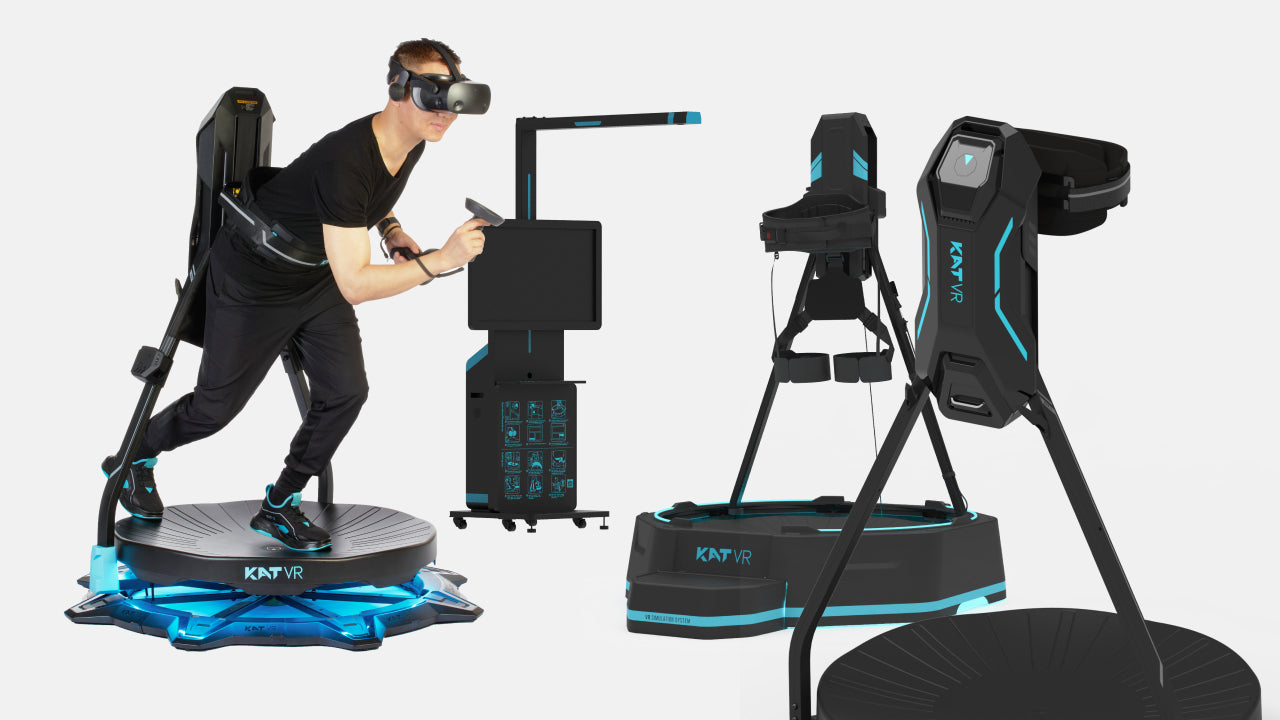
When purchasing a VR headset, it's essential to consider any additional VR accessories and hidden costs that may be associated with your chosen headset. Taking these factors into account will help you make an informed decision and ensure a smooth virtual reality experience. Some key considerations for VR headset accessories include:
In conclusion, choosing the right VR headset and VR accessories requires careful consideration of your needs, preferences, and budget. By taking into account factors such as performance, content library, price, and intended use, you can make an informed decision when selecting a VR headset. Additionally, bear in mind the various accessories and hidden costs associated with your chosen headset in order to ensure an optimal virtual reality experience.
With a wide range of VR headsets and accessories on the market, there is a solution for everyone, whether you're a casual user, a gaming enthusiast, or a professional seeking cutting-edge technology. By carefully assessing your needs and preferences, you can find the perfect VR headset and accessories to fully immerse yourself in the exciting world of virtual reality.
To make your search even more convenient, explore the Knoxlabs VR Marketplace, where you can discover the latest VR/MR products and XR solutions in the world of virtual reality. Our marketplace offers a wide selection of headsets and accessories from various brands, allowing you to find the perfect fit for your virtual reality needs. Let Knoxlabs help you find the perfect VR headset and accessories to elevate your virtual reality experience.


What’s in a robotic work cell, the layout decisions behind robot cell design, who integrates it, and what a robot cell quote should cover before you buy.

What a robot teleoperation setup for data collection needs, and how LimX TRON 2 and Oli fit: arms, VR control, sensing, software and hands.

Where does your CNC machine wait? How does the part arrive? What happens after a stop? What to define before a cobot machine tending cell is quoted.


Compare the Keenon DinerBot T9, DinerBot T10, ButlerBot W3, CourierBot S100 and KleenBot C40. See which service robot fits restaurants, hotels, retail and healthcare, what each costs, and what your site needs before you order.