

Robot Teleoperation for Data Collection: A LimX Setup Guide
What a robot teleoperation setup for data collection needs, and how LimX TRON 2 and Oli fit: arms, VR control, sensing, software and hands.

A robotic work cell is the complete station around a robot: the arm, the tooling at its end, the sensing that guides it, the structure it stands on, the guarding around it, and the controls, software and support that keep it running. The robot is one line in that list.
That makes “robot cell” one of the least precise phrases in a purchase. Two quotes for the same task can describe very different systems: one covers the arm and a gripper, another includes fixtures, guarding, programming, installation and training. Until both quotes list the same building blocks, they can’t be compared. If you haven’t yet confirmed that the task is ready to automate, start with our automation feasibility checklist.
A robotic work cell is a defined workspace where a robot performs a specific task, together with every piece of equipment that task requires. It has a clear boundary, a known input and output, and a set of rules for how people, parts and machines interact with it.
The task defines the cell. A machine tending cell is built around a CNC machine door, a part presentation method and an outfeed. A palletizing cell is built around box flow, pallet positions and floor space. A data-collection cell is built around camera viewpoints, operator position and repeatable setup. The same arm can sit at the center of all three, yet the cells around it look nothing alike.
A cell is also the unit you buy, test and accept. It’s where a quote’s scope begins and ends, where acceptance testing happens, and where responsibility for support is assigned. Defining the boundary early, including what enters it, what leaves it and which equipment sits inside, keeps every later conversation about the same system.
Every cell is different, but most draw from the same building blocks. Use this as a scope map: if a block is missing from your plan, decide whether the task needs it before the project moves forward. Where Knoxlabs carries the hardware, you can browse it right from the block.
The arm is the center of the cell, but the decisions around it matter as much as the model. Where will it mount: floor pedestal, table, wall, ceiling, linear rail or mobile base? Where does its controller sit, and how far can cables run? A collaborative robot (cobot), an industrial arm and a mobile manipulator each change the structure, guarding and footprint around them. The feasibility checklist covers how payload and reach narrow the choice.
Collaborative and industrial arms, plus robotic work cell configurations, for automation, research and teleoperation.
Shop arms and platformsPlatforms that move between stations or carry an arm with them.
Shop mobile robotsEnd of arm tooling (EOAT) is the gripper, vacuum cup array, welding torch, screwdriver or custom tool that actually touches the work. It’s often the component that decides whether the cell works. EOAT has to handle every part variant, orientation and surface condition in the real process, and it may need a tool changer if the cell runs more than one part family.
Electric and adaptive grippers matched to the part and the cycle.
Shop grippersMulti-finger hands for manipulation research and humanoid platforms.
Shop dexterous handsMany cells need to find, check or measure something. That can mean 2D or 3D cameras for part location, force and torque sensing for insertion or finishing, presence sensors for parts and fixtures, or tactile sensing for delicate handling. Each sensor needs a stable mount, a defined field of view and a calibration routine.
Depth and stereo cameras for part location, inspection and data capture.
Shop camerasRobot programs, vision software, any AI or perception models, and the interfaces operators use all need compute to run on and a plan for configuration, version control and updates. Firmware, licenses and driver compatibility are easier to resolve before hardware reaches the floor.
Edge compute and capture hardware for perception and robot control.
Shop computePeople still load material, clear faults, change over and inspect. The cell needs safe access points, a clear operator interface and an ergonomic layout. For teleoperation or data-collection cells, the operator station is part of the core design.
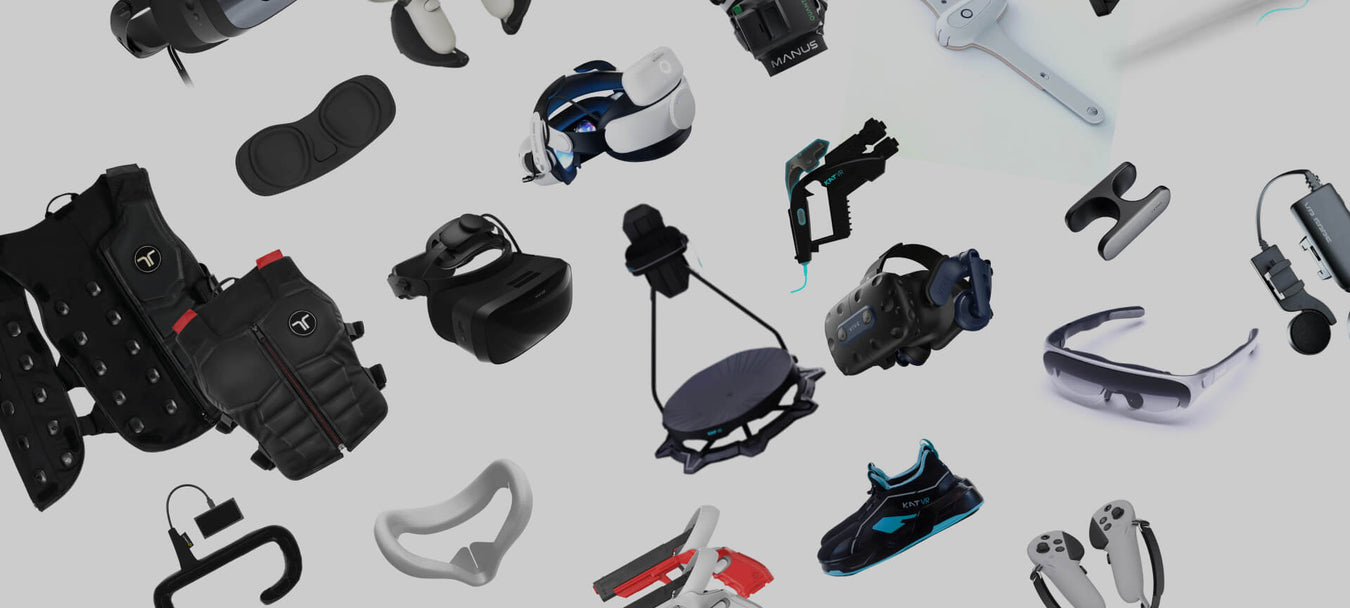
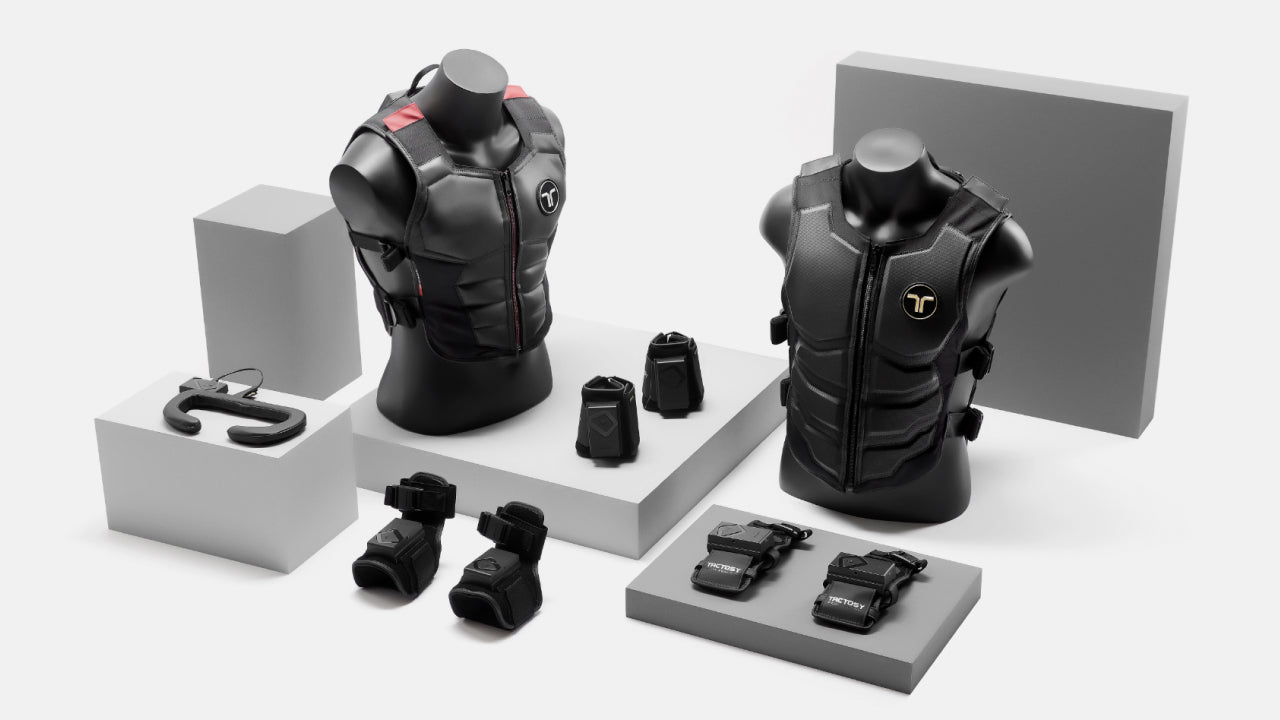
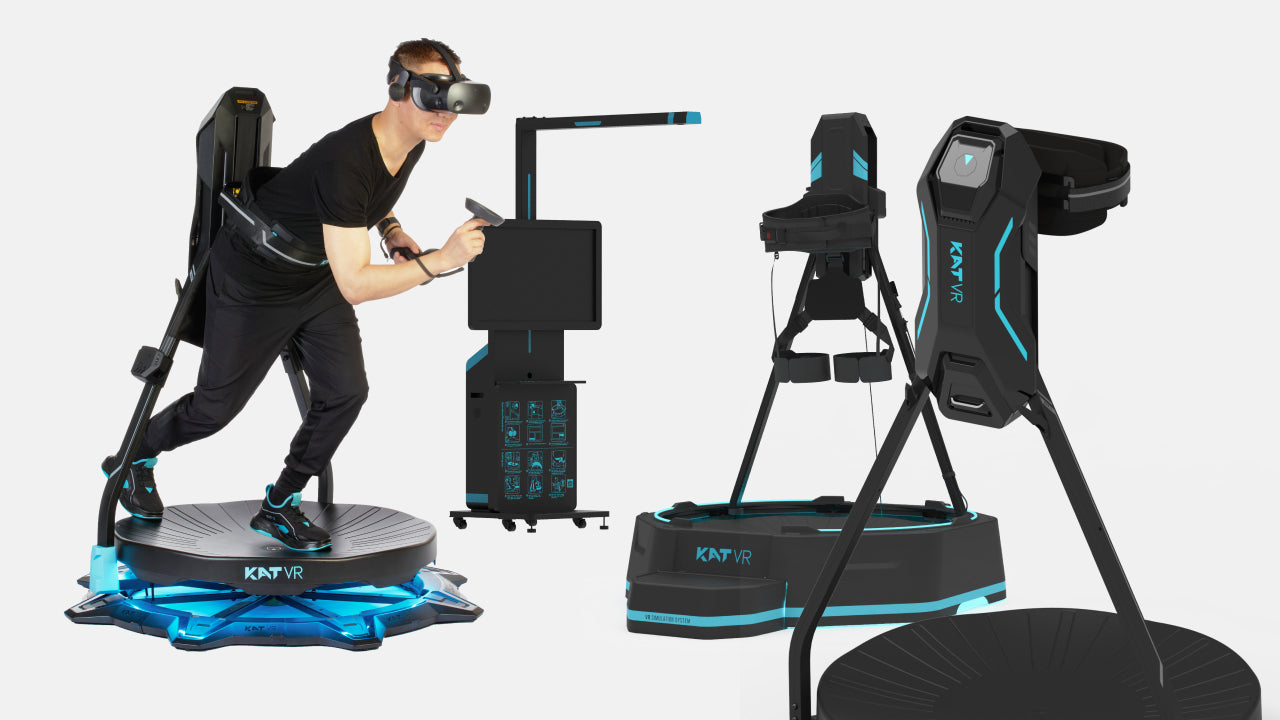
Input devices that let an operator guide or record robot motion.
Shop teleoperationOnce the task is defined (part flow, rate, variation and surroundings, as covered in the feasibility checklist), the robot work cell layout comes down to a handful of decisions. Each one changes the footprint, the scope and the quote.
A fenced cell keeps people out during operation. An open layout uses sensing and speed limits so people can work nearby. The risk assessment decides, and it sets the floor space.
Mark where the robot works, where operators load and inspect, and where material is staged. Clear zones simplify guarding and shorten the operator’s walk.
Leave room to service the gripper, cameras, controller and cabling without dismantling the guarding or moving the robot.
Plan where power, air, network and safety circuits enter the cell and how cables reach the arm. Utilities are often the last item on a layout and the first to cause rework.
A bolted cell behaves differently from one on a movable base that serves more than one machine. If a second station is likely, leave the space and connections now.
A simple floor sketch with these five decisions marked is one of the most useful things to bring to a first review.
A bill of materials (BOM) turns the building blocks into line items. Organizing it by block makes gaps visible and makes two quotes comparable. Exact items depend on the application; this is the structure, not a parts list.
| Block | Typical line items | Often missing from scope |
|---|---|---|
| Robot | Arm, controller, teach pendant, base or pedestal | Controller mounting, cable lengths |
| End of arm tooling | Gripper or tool, mounting flange, tool changer | Spare fingers or cups, second part family |
| Sensing | Cameras, lighting, force or presence sensors, mounts | Calibration fixtures, lighting control |
| Structure | Frame, table, fixtures, part trays or nests | Leveling, anchoring, fixture changeover |
| Safety | Guarding, scanners, light curtains, interlocks, signage | Risk assessment, validation |
| Controls | PLC or I/O, wiring, machine interface, pneumatics | Signal changes on existing equipment |
| Compute and software | Industrial PC, robot and vision software, licenses | License renewals, update ownership |
| Services | Programming, installation, commissioning, training | Acceptance testing, documentation |
| Lifecycle | Spare parts kit, maintenance plan, support path | Who answers the call after go-live |
The third column is where scopes tend to diverge. Asking about each item before a purchase order is cheaper than discovering it during installation.
Robot integration is the work of turning separate components into one system that runs in your operation. It covers mechanical build, electrical and controls work, programming, vision setup, safety implementation, installation, commissioning and handover. On larger projects, a robotic system integrator usually owns that work end to end.
In practice, cells are delivered by a mix of parties: the robot and component suppliers, an integrator, the customer’s own engineering team, and specialist partners for tasks like custom fabrication or safety review. What matters most is that responsibilities are written down. Before work starts, every buyer should be able to answer:
When evaluating a robot integration partner, ask how they handle each of those points, what they deliver directly and what goes to a subcontractor, and how they test an application before committing to a full build.
Where Knoxlabs fits. Knoxlabs helps teams scope, source, configure and support the hardware for a robotic work cell, from the arm and end of arm tooling to cameras, compute and the supporting components around them. Where an application needs specialized integration or partner work, we identify that during the review. Project scope and availability are confirmed during consultation.
Use this list to read a quote, or to compare two. Each item should be either included, explicitly excluded or assigned to someone. Anything left unstated is an open question. For the task inputs a supplier needs from you first, use the automation feasibility checklist.
| Item | What the quote should state |
|---|---|
| Scope by block | Every building block listed as included, excluded or customer-supplied |
| Assumptions | The part range, rate, shifts and layout the quote is based on |
| Interfaces | Which signals and connections to existing equipment are included, and who changes that equipment |
| Safety ownership | Who performs the risk assessment, supplies the guarding and validates it |
| Programming | Who writes the robot and vision programs, and who owns changes after handover |
| Installation and commissioning | Where it happens, who is on site, and what the customer must prepare |
| Acceptance test | What will be demonstrated, with which parts, and what counts as a pass |
| Training | Who is trained, on what, and whether documentation is included |
| Spares | Whether a recommended spare parts kit is included or quoted separately |
| Support path | Who to call after go-live, for what, and through which channel |
| Software and licenses | Which licenses are included, for how long, and who handles updates |
| Exclusions | What isn’t in the price, such as utilities, floor work or third-party equipment |
If two quotes differ widely, this list usually shows why: one includes items the other leaves to you.
The building blocks stay the same, but each application weights them differently. These guides go deeper on specific cells.
Part fit-up, fixturing, torch access, fume extraction and guarding dominate the scope.
Read the welding cell guideThe machine interface, part presentation and what happens after a stop decide the design.
Read the machine tending guideBox flow, pallet patterns, floor space and shift pattern shape the layout.
Explore palletizingPart variation, orientation, gripping and detection come first.
Explore cobot cellsCamera positions, operator stations, input devices and repeatable setup matter more than throughput.
Explore research stacksA robot is a single machine. A robotic work cell is the full system that lets that robot perform a task in a real operation: tooling, sensing, structure, safety, controls, software, operator access and support.
End of arm tooling is the device mounted on the robot that interacts with the work, such as a gripper, vacuum cups, a welding torch or a custom tool. It’s designed around the parts and process, and it often determines whether the cell can handle real-world variation.
It depends on the scope. A simple cell may be assembled by an in-house team with component support. A cell that connects to production equipment, needs custom tooling or requires a formal safety implementation usually benefits from experienced integration support. The key is that someone owns the complete system.
A clear scope for every building block, the assumptions it’s based on, interfaces to existing equipment, safety ownership, programming, installation, an acceptance test, training, spares, the support path, licenses and a list of exclusions. The checklist above covers each one.
It’s the list of every item the cell needs, from the robot and tooling to fixtures, safety devices, software and services. Grouping it by building block makes it easier to spot missing items and to compare suppliers line by line.
That should be agreed before purchase. Typically, trained on-site staff handle routine checks and simple recovery, while suppliers or an integration partner handle repairs, replacement parts, software changes and upgrades. The split should be written into the scope.
A robotic work cell works when every part of it is scoped around the real task. If you’re planning a cell, extending a robot you already have, or working out what your application needs, tell us what you’re building or what you want to automate. An early idea or equipment list is enough to start.
Final recommendations depend on application review. Project scope and availability are confirmed during consultation.


What a robot teleoperation setup for data collection needs, and how LimX TRON 2 and Oli fit: arms, VR control, sensing, software and hands.

Where does your CNC machine wait? How does the part arrive? What happens after a stop? What to define before a cobot machine tending cell is quoted.


Compare the Keenon DinerBot T9, DinerBot T10, ButlerBot W3, CourierBot S100 and KleenBot C40. See which service robot fits restaurants, hotels, retail and healthcare, what each costs, and what your site needs before you order.

A cobot welding cell is more than an arm. See what belongs in the cell, how safety and fume extraction fit in, what drives the cost, and how to tell whether your weld is ready for a first review.