

Robotic Work Cell: What’s Included and What to Define Before You Buy
What’s in a robotic work cell, the layout decisions behind robot cell design, who integrates it, and what a robot cell quote should cover before you buy.

Virtual reality technology is opening up a whole new world of creative possibilities for artists and designers. With VR, you can create digital art and design in a 3D space, giving you a level of depth and perspective that was previously impossible to achieve with traditional art supplies and design tools. In this blog post, we'll explore how VR technology is revolutionizing art and design, and how you can start exploring the possibilities of VR with Knoxlabs VR Marketplace.
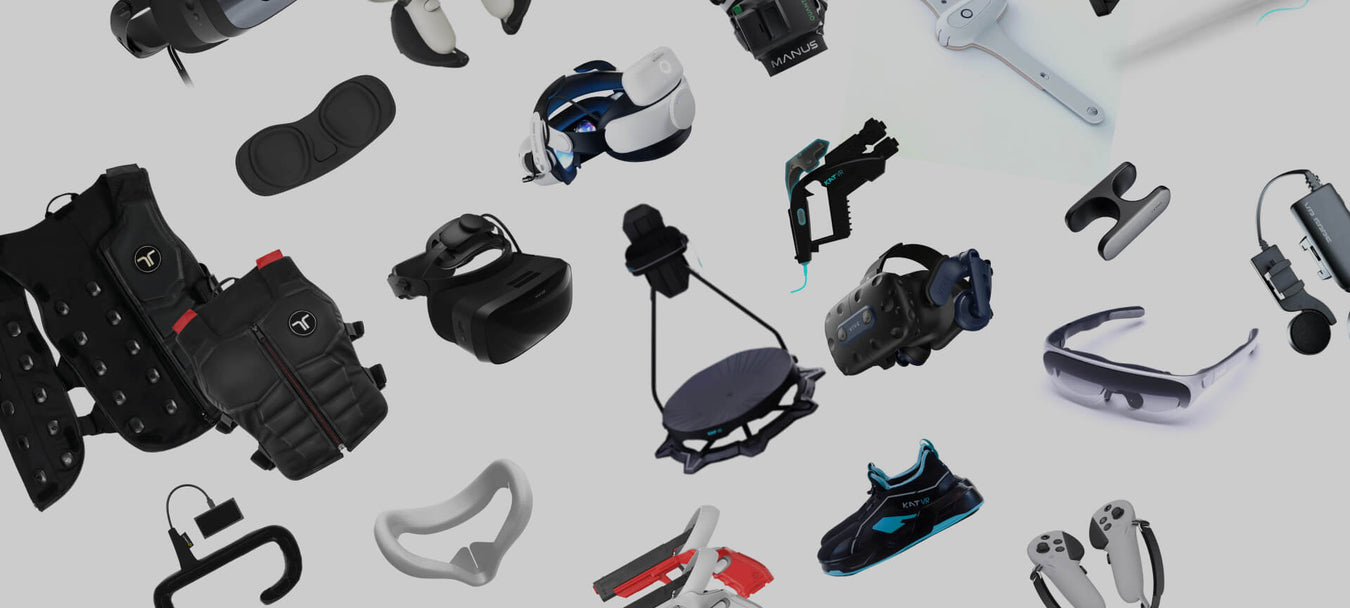
At Knoxlabs VR Marketplace, we offer a wide range of VR headsets, controllers, and apps to help you take your art and design skills to the next level. Our team is passionate about unlocking the creative potential of VR, and we're here to guide you every step of the way. Whether you're an experienced artist or designer, or just getting started, we've got the equipment and software you need to unleash your creativity.
Once you've got your equipment, it's time to set it up and calibrate it for your space. Follow the instructions carefully and make sure everything is working properly before starting your creative projects. VR technology can be a little intimidating at first, but with the right guidance, you'll be up and running in no time.
Now, let's dive into the virtual environment. With VR, you can paint, sculpt, and design in a 3D space, giving you a whole new level of depth and perspective to work with. One popular VR software for digital art and design is Tilt Brush. Here, you can create amazing 3D art using a variety of brushes and tools. The possibilities are endless, and the results are truly breathtaking.
But Tilt Brush is just the beginning. There are a whole host of VR tools and software that are perfect for digital art and design. Gravity Sketch is another powerful tool for creating 3D models in a virtual environment. You can design objects and even entire environments, making it perfect for architectural visualization and product design.
Roomle is a VR tool specifically designed for interior design. With Roomle, you can create and visualize furniture layouts in a virtual space, helping you to plan and execute your designs with more accuracy and creativity. SketchUp Viewer is another great tool for VR design. With SketchUp, you can create 3D models of buildings, landscapes, and other architectural elements, and then view and manipulate them in a virtual environment.
Finally, with VR technology, you can visualize and interact with 3D models in ways that were never before possible. Whether you're working with a 3D model of a product, a building, or a piece of art, VR lets you see and explore it from any angle. It's an incredible tool for architects, designers, and artists who want to bring their creative visions to life in a whole new way.
At Knoxlabs VR Marketplace, we're dedicated to helping you discover the new in VR. With a wide range of headsets, controllers, and apps, we're here to take your art and design skills to the next level. Visit us today and unlock your creativity with VR.


What’s in a robotic work cell, the layout decisions behind robot cell design, who integrates it, and what a robot cell quote should cover before you buy.

What a robot teleoperation setup for data collection needs, and how LimX TRON 2 and Oli fit: arms, VR control, sensing, software and hands.

Where does your CNC machine wait? How does the part arrive? What happens after a stop? What to define before a cobot machine tending cell is quoted.


Compare the Keenon DinerBot T9, DinerBot T10, ButlerBot W3, CourierBot S100 and KleenBot C40. See which service robot fits restaurants, hotels, retail and healthcare, what each costs, and what your site needs before you order.