

 Portable displays for work and demos
Explore ViewSonic portable monitors for mobile workspaces and demonstrations. Compare touch, refresh-rate and connection options to choose the display for your workflow.
ViewSonic products at Knoxlabs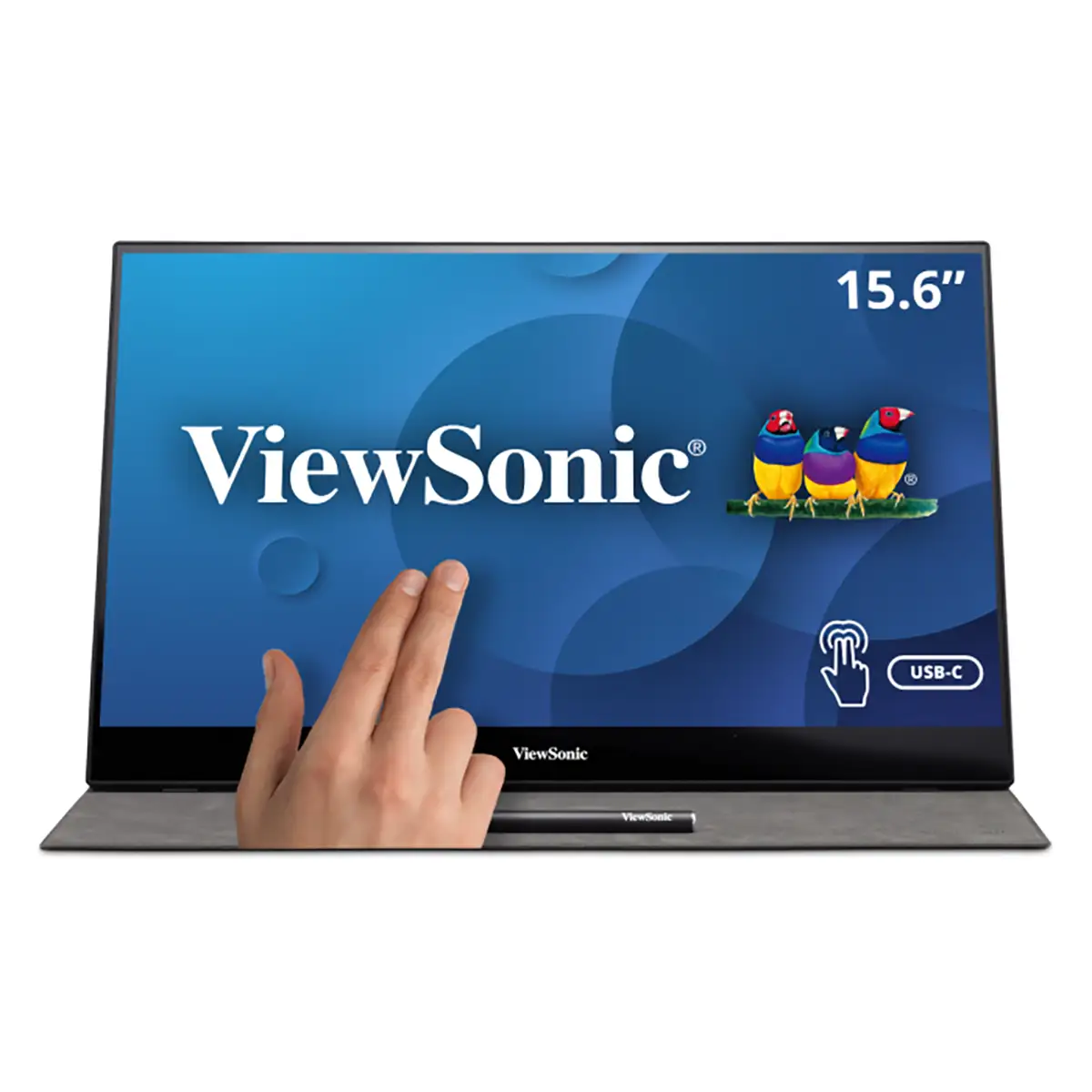
 Out of stock

Explore ViewSonic portable monitors for mobile workspaces and demonstrations.
Plan around touch requirements, refresh rate and video connections.
4 active catalog listings from ViewSonic. Open each product for specifications and configuration details.
From choosing the hardware to a complete setup we can quote as one order.
Discuss your setupDefine the task and compare touch requirements before choosing a model or plan.
Check touch requirements, refresh rate and video connections. Review each listing for included items and prerequisites.
Share your use case and required configuration with Knoxlabs to confirm the appropriate ViewSonic setup.
Out of stock Out of stock
Hardware, software, licences, parts and accessories
| Product | Product type | Configuration | Availability | Purchase | View |
|---|---|---|---|---|---|
 ViewSonic TD1655 - 15.6" Portable 1080p IPS Touch Monitor with 60W USB-C and mini-HDMI |
Monitors | Standard | Available | $ 349.99 | |
 ViewSonic VA1653 - 15.6" Portable 1080p IPS Monitor with USB-C and mini-HDMI |
Monitors | Standard | Unavailable | $ 109.99 | |
 ViewSonic VG1655 - 15.6" Portable 1080p IPS Monitor with 60W USB-C and mini-HDMI |
Monitors | Standard | Available | $ 239.99 | |
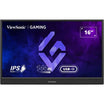 ViewSonic VX1654 - 15.6" 1080p 144Hz Portable Gaming Monitor with USB-C |
Monitors | Standard | Unavailable | $ 199.99 |
Choosing, licensing and buying ViewSonic products through Knoxlabs.
Ask an Expert